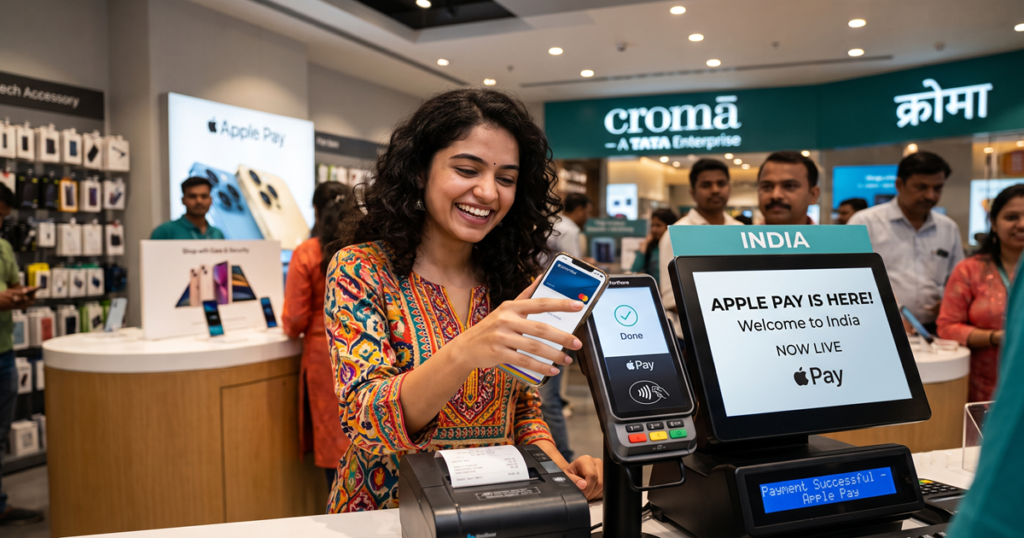
After years of anticipation, Apple has officially launched Apple Pay in India. The expansion brings Apple’s secure, contactless mobile payment system to millions of iPhone users across the country, kicking off with Axis Bank as its primary launch partner.
Supported Banks and Compatible iPhone Models
At launch, Apple Pay in India is partnering with Axis Bank to enable contactless credit and debit card transactions. According to Apple Pay Vice President Jennifer Bailey, the rollout marks a major step in bringing simple, private, and secure payments to Indian consumers.
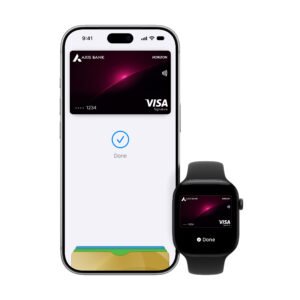
Hardware support requires an iPhone XR or newer model running a supported version of iOS. Users with eligible devices can add supported cards directly to the Apple Wallet app to begin making payments immediately.
What About UPI Support?
While India’s digital payment ecosystem relies heavily on the Unified Payments Interface (UPI), Apple Pay’s initial entry focuses on NFC card-based payments. Eligible debit and credit cards added to the Wallet app work at NFC-enabled Point-of-Sale (POS) tap-and-pay terminals across physical retail locations, as well as within supported iOS apps and web checkouts.
How to Set Up Apple Pay on Your iPhone
Setting up Apple Pay in India takes only a few moments:
- Open the Wallet app on your compatible iPhone (iPhone XR or later).
- Tap the + icon in the upper-right corner.
- Select Debit or Credit Card and press Continue.
- Scan your card with the camera or enter card details manually.
- Complete the bank verification process via OTP sent by Axis Bank.
Where You Can Use Apple Pay
Once set up, Apple Pay works at any physical retailer featuring a contactless payment logo. Users simply double-click the side button on their iPhone, authenticate using Face ID or Touch ID, and hold the device near the terminal to complete the purchase.