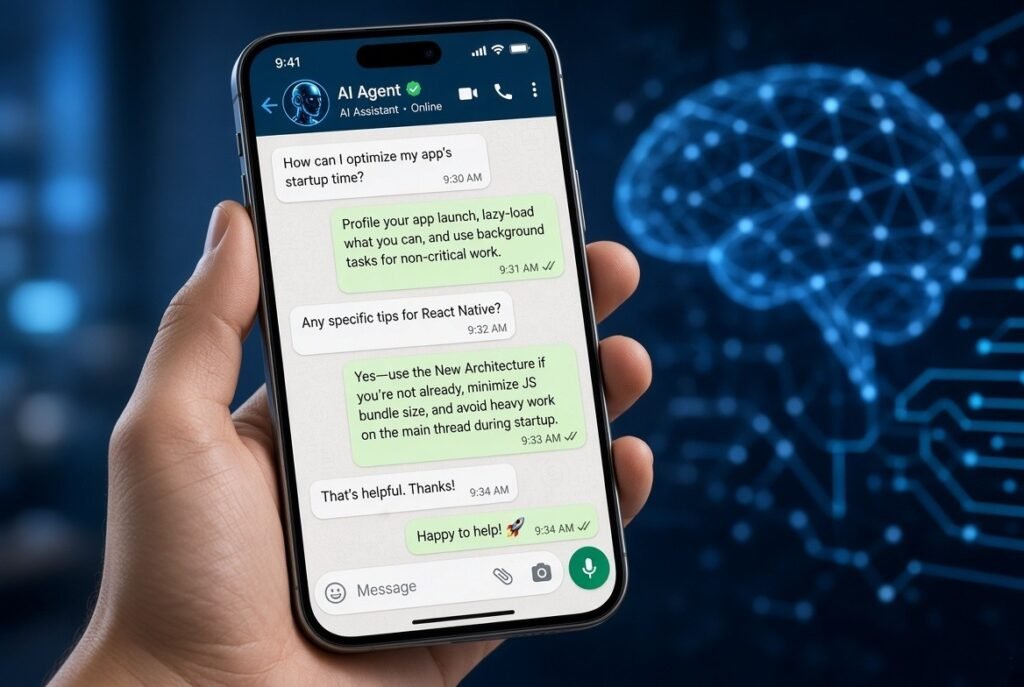
WhatsApp is finally bringing chats with third-party agents to iPhone.
After launching the feature on Android earlier this year, Meta is now rolling out the ability to create and chat with third-party agents directly inside WhatsApp on iOS. The update is live for a limited number of users on the latest TestFlight beta (version 26.37.10.70) and is currently available only in select countries.
This is a meaningful step for anyone who wants to connect custom bots, AI assistants, or other automated services without leaving the app they already use every day.
What Are Third-Party Agents on WhatsApp?
A third-party agent is essentially a custom chat partner you create and connect yourself. It can be powered by AI, a simple bot, or any service that can receive and respond to messages via an API.
Once set up, the agent appears in your chat list like a regular contact. You message it the same way you would message a friend—the conversation lives inside WhatsApp.
Important details:
- You can create up to five agents.
- Agents only see the messages you explicitly send them.
- They cannot access your other chats, contacts, or media.
How to Add an Agent on iPhone
- Open WhatsApp Settings.
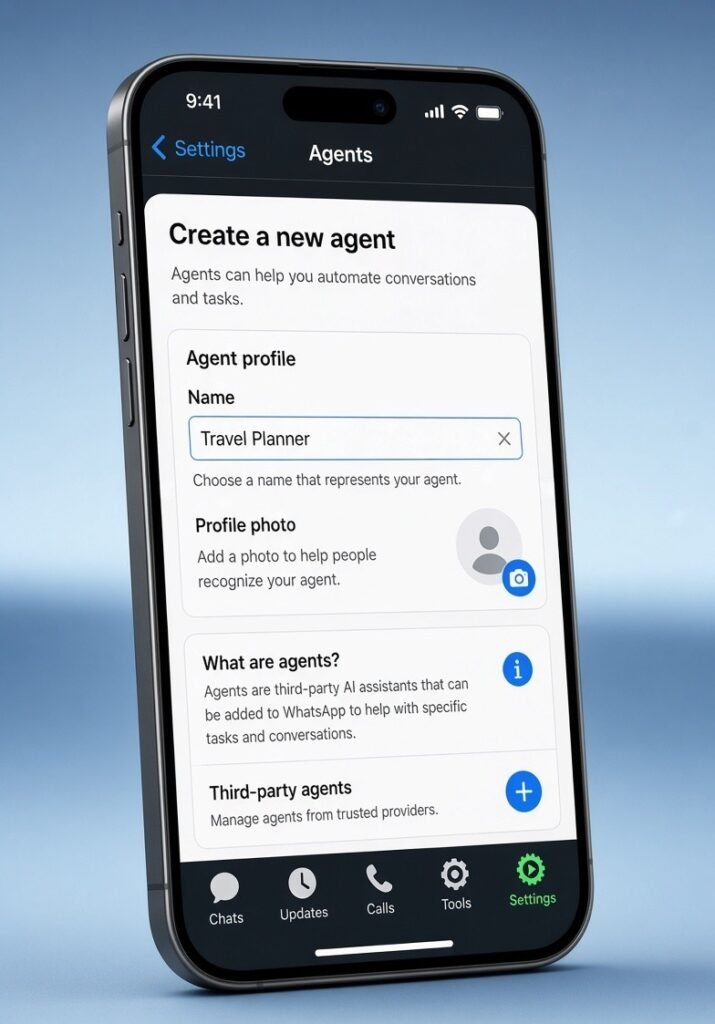
- Look for the new section related to agents (it includes a short intro explaining how the feature works).
- Create a new agent and give it a name and profile photo so it’s easy to recognize in your chat list.
- Save the agent. WhatsApp immediately creates a dedicated chat and generates an API key.
That API key is the bridge between WhatsApp and the service hosting your agent. You copy it and paste it into the platform where your agent lives (for example, an AI provider or custom backend). Once the key is shared, the agent can start responding inside WhatsApp.
You can view or reset the API key at any time from the agent chat. Treat the key like a password—anyone with it has full control of that agent.
How Conversations with Agents Work
After connecting the agent, messaging feels completely normal. You open the chat and type. Replies appear just like any other conversation.
A few technical notes:
- Messages travel through a secure Meta service that manages delivery on behalf of the agent developer.
- Disappearing messages are not supported in agent chats.
- The agent only receives what you send it in that specific conversation.
Important Privacy Note: These Chats Are Not End-to-End Encrypted
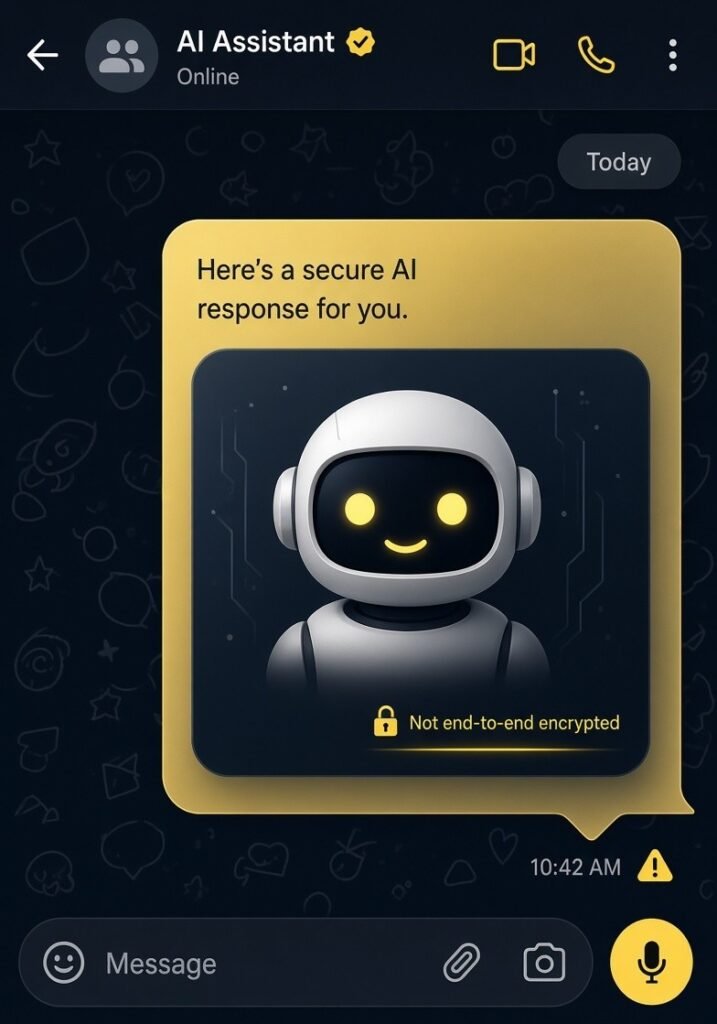
This is the biggest difference from regular WhatsApp conversations.
Messages you send to an agent are not end-to-end encrypted. They pass through Meta’s secure service so the third-party developer can process them. The developer of the agent can access the content of those messages as part of providing the service.
Your regular chats and calls with other people remain fully end-to-end encrypted. Only the special agent conversations sit outside that protection.
WhatsApp is clear about this distinction, and the intro screen when you create an agent explains the difference.
Availability and Rollout
The feature is currently limited:
- Available only on the WhatsApp beta for iOS (TestFlight build 26.37.10.70 and later).
- Rolling out to a very small number of users in select countries.
- Expected to expand gradually over the coming months. Meta has not announced a public release date yet.
If you don’t see the option yet, you’re simply not in the early wave. Keep an eye on future beta updates.
Why This Matters
WhatsApp has long been a closed messaging environment. Opening a controlled path for third-party agents (while keeping clear boundaries around what those agents can see) gives power users and developers a new way to bring automation, AI assistants, customer support bots, or personal tools into the app people already live in.
It’s still early days—limited availability, no E2E encryption for these chats, and a five-agent cap—but the foundation is now on both Android and iOS.
Have you tried creating an agent yet? Or are you waiting for a wider rollout? Let us know in the comments.