Samsung One UI 9 Update Rolls Out: New Features and Eligible Devices
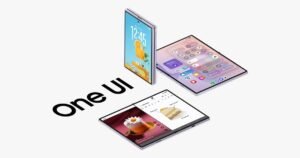
Samsung has officially initiated the global rollout of One UI 9, bringing its latest software innovations and refined user interface to millions of Galaxy smartphones worldwide. Following initial deployments to flagship models, the stable update is expanding rapidly across Samsung’s mobile ecosystem.
One UI 9 Rollout Timeline: From Galaxy S26 to Galaxy S25
The rollout officially kicked off with Samsung’s latest flagship lineup, the Galaxy S26 series, receiving the stable build first. Shortly after, Samsung expanded availability to previous generation flagships and foldables.
While the update schedule experienced minor adjustments during early deployment, stable builds of One UI 9 are now landing on the Galaxy S25 series, as well as the Galaxy Z Fold 7 and Galaxy Z Flip 7. Users in select markets are receiving over-the-air notifications as regional expansions continue.
Key Features and Enhancements in One UI 9
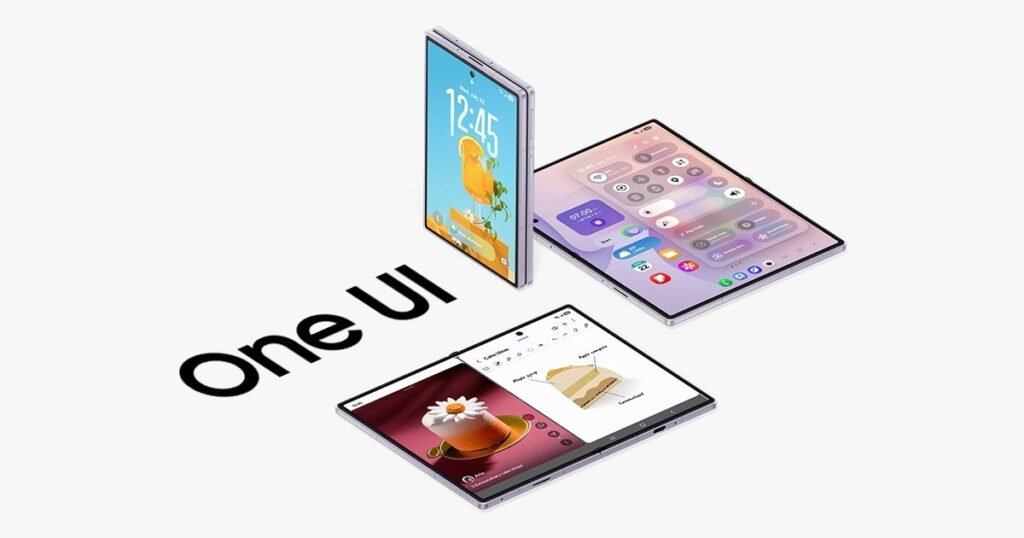
One UI 9 focuses on refined aesthetics, smoother animation engines, and expanded Galaxy AI capabilities designed to boost daily productivity and personalize the smartphone experience.
Top One UI 9 Highlights
- Upgraded AI Capabilities: Integration of advanced contextual tools for smarter text generation, photo editing, and live call translation.
- Refined User Interface: Smoother transition animations, modernized iconography, and improved lock screen customization options.
- Enhanced Multitasking: Optimized split-screen gestures and window controls, especially tuned for large screens and foldable displays like the Z Fold 7.
- Battery and Performance Tuning: Under-the-hood optimizations aimed at extending daily battery endurance and thermal efficiency.
Supported Devices for One UI 9
Samsung continues its commitment to long-term software support. Eligible devices currently receiving or scheduled for the stable One UI 9 update include:
- Galaxy S26, S26+, and S26 Ultra
- Galaxy S25, S25+, and S25 Ultra
- Galaxy Z Fold 7 and Galaxy Z Flip 7
- Select Galaxy Tab and Galaxy A-series devices (rolling out in subsequent phases)
Galaxy owners can manually check for the software update by navigating to Settings > Software update > Download and install on their eligible devices.